> For the complete documentation index, see [llms.txt](https://build-republic.gitbook.io/build_docs/llms.txt). Markdown versions of documentation pages are available by appending `.md` to page URLs; this page is available as [Markdown](https://build-republic.gitbook.io/build_docs/platform/onboarding.md).
# Onboarding
The build\_republic platform located at [app.buildcities.com ](https://app.buildcities.com) is viewable to the general public where you can view all the associated projects, cities, networks, hubs, and more. To further engage with the platform such as commenting, joining hubs and cities, or posting a project, you'll need to create an account.
In order to create an account, look for the "Sign In" button at the top of the page.\
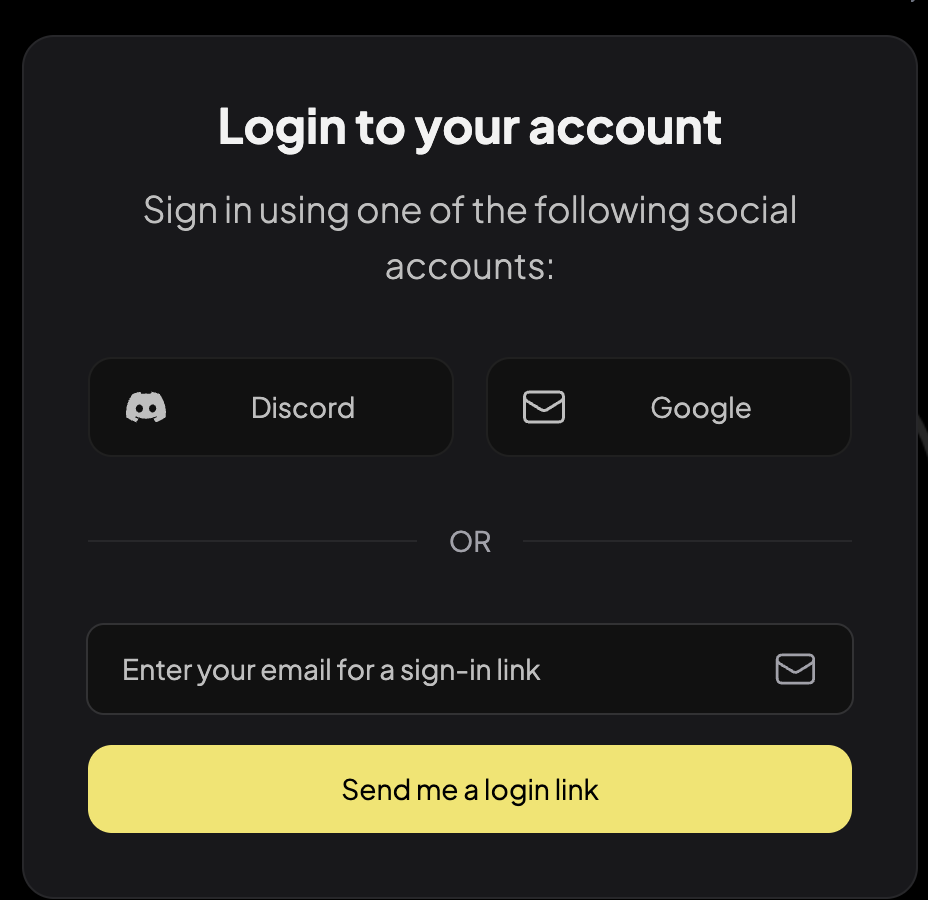
From there, you will be shown a login modal that gives you the option to sign up (or login for existing users) via Discord, Google, or E-mail. Select your option and follow the instructions on-screen to proceed. For E-mail signups, you will have to access your e-mail to click a login link which will then redirect you to the platform after creating an account.